Why Travel Amplifies Information Risk
In controlled office environments, data security is supported by:
- Firewalls
- Secured networks
- Physical access controls
- IT monitoring systems
When travelling, these protections weaken.
Professionals often rely on:
- Public Wi-Fi
- Hotel networks
- Airport charging stations
- Temporary meeting spaces
These environments increase exposure to:
- Network interception
- Device theft
- Surveillance
- Opportunistic access
Travel expands attack surfaces.
Awareness reduces vulnerability.
Digital Hygiene Before Departure
Information security begins before leaving home.
Best practices include:
- Updating operating systems and software
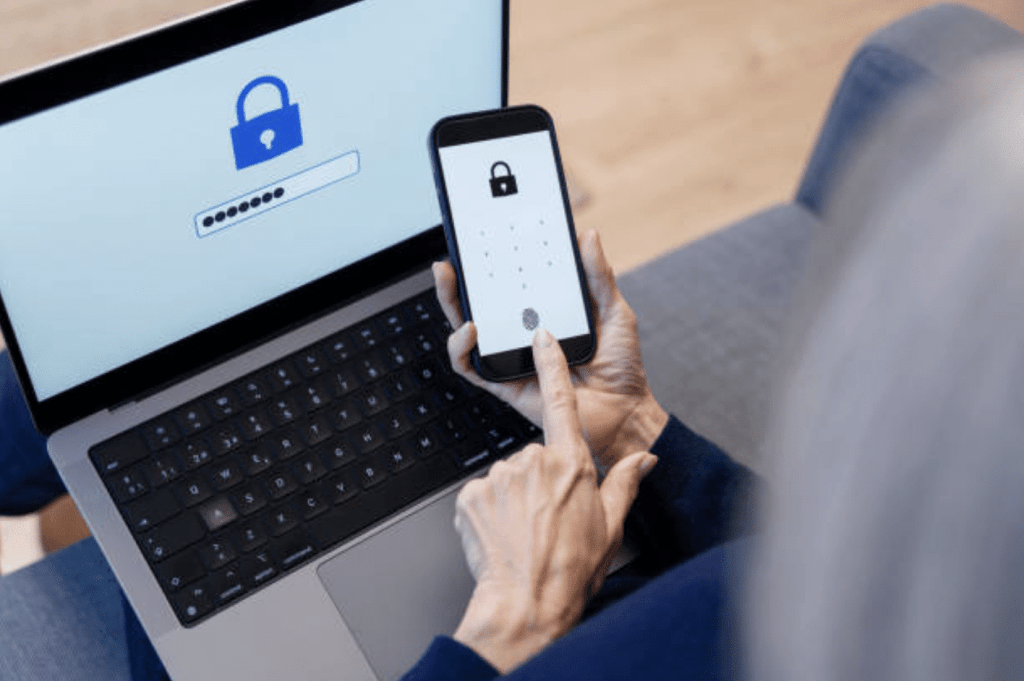
- Enabling multi-factor authentication
- Backing up critical data
- Removing non-essential sensitive files
- Encrypting devices
Travelling with minimal necessary data reduces risk.
Less stored data means less compromised data if a device is lost.
Preparation is defensive strategy.
Public Wi-Fi: Convenience vs Exposure
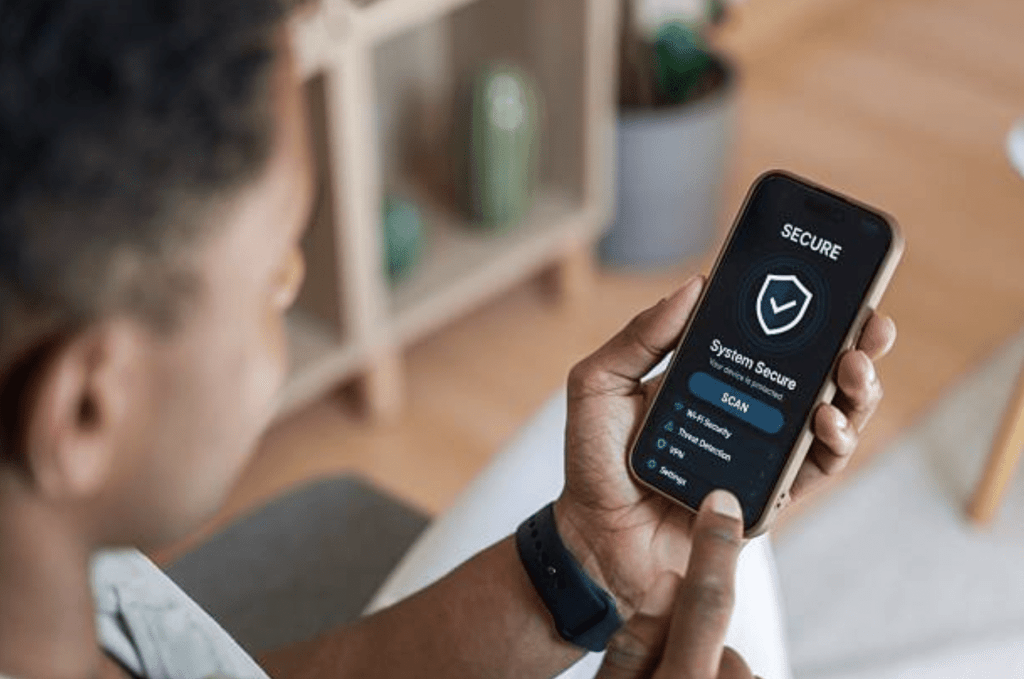
Public Wi-Fi networks are rarely secure.
Risks include:
- Man-in-the-middle attacks
- Fake hotspot networks
- Packet interception
- Credential harvesting
Professionals should:
- Avoid accessing sensitive systems on unsecured networks
- Use secure VPN services
- Disable automatic Wi-Fi connections
- Turn off Bluetooth when not required
Convenience should not override security posture.
Digital awareness mirrors situational awareness in physical space.
Device Theft and Physical Access
Laptops and mobile phones are attractive targets.
Data compromise often follows physical theft.
Preventative measures include:
- Never leaving devices unattended
- Using privacy screens in public spaces
- Enabling device tracking and remote wipe
- Locking devices even during short absences
Hotels and conference spaces do not guarantee device security.
Assume visibility equals vulnerability.
Professional discipline applies to digital assets as much as physical ones.

Information Leakage Through Conversation
Data compromise is not always technical.
Casual conversations in:
- Airport lounges
- Taxi rides
- Public cafés
can unintentionally reveal sensitive operational information.
Operational discretion includes verbal discipline.
Awareness of surroundings reduces information leakage.
Human behaviour often presents greater vulnerability than technology.
Border and Inspection Considerations
In certain jurisdictions, authorities may request access to electronic devices.
Organisations operating internationally should establish:
- Clear device policies
- Legal guidance
- Data minimisation protocols
Carrying only necessary information reduces exposure.
Operational planning must consider jurisdictional realities.
Phishing and Social Engineering During Travel
Travellers are prime targets for social engineering attempts.
Common tactics include:
- Fake hotel confirmation emails
- Urgent payment requests
- “Lost colleague” impersonation
- Public Wi-Fi pop-up login prompts
Verification before action prevents compromise.
Urgency is often a manipulation tool.
Slowing down protects decision quality.
Integration With Personal Security
Information security overlaps with personal security.
Compromised data can:
- Reveal travel plans
- Expose accommodation details
- Identify team members
- Provide insight into operational schedules
Digital compromise may escalate into physical risk.
Integrated security thinking strengthens resilience.
At N9BO℠, we emphasise that corporate security extends beyond fences and access control — it includes behavioural and digital discipline.
Security as a Habit, Not a Reaction
Effective information security during travel requires:
- Preparation
- Awareness
- Controlled behaviour
- Structured digital hygiene
Security is strongest when habits are automatic.
Reactive security is weaker than preventative security.
Professionals operating in complex environments must treat information as an asset requiring protection.
Data integrity supports organisational continuity.
Strengthen Your Travel Security Posture
Digital discipline and situational awareness protect both people and information. Contact N9BO℠ to explore integrated travel and corporate security training.
From the N9BO℠ Knowledge Base